
Canva eBook Template for Courses, Workbooks, Lead Magnets & Coaching
Designed for entrepreneurs, content creators, and educators, this fully customizable 8.5 × 11 inch Canva eBook template provides a practical solution for creating professional eBooks, lead magnets, workbooks, guides, and coaching materials.
Key Features
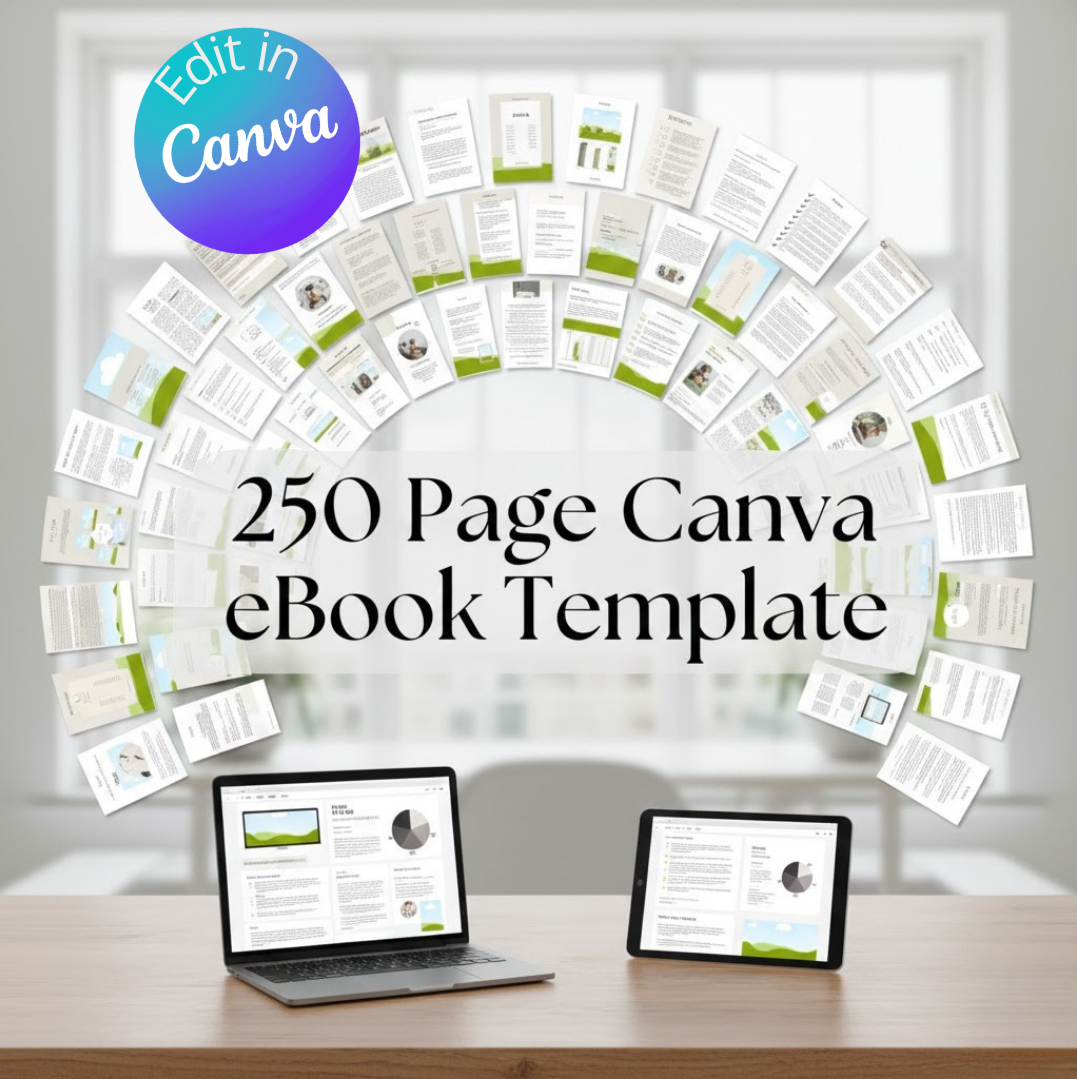
250 Fully Editable Pages
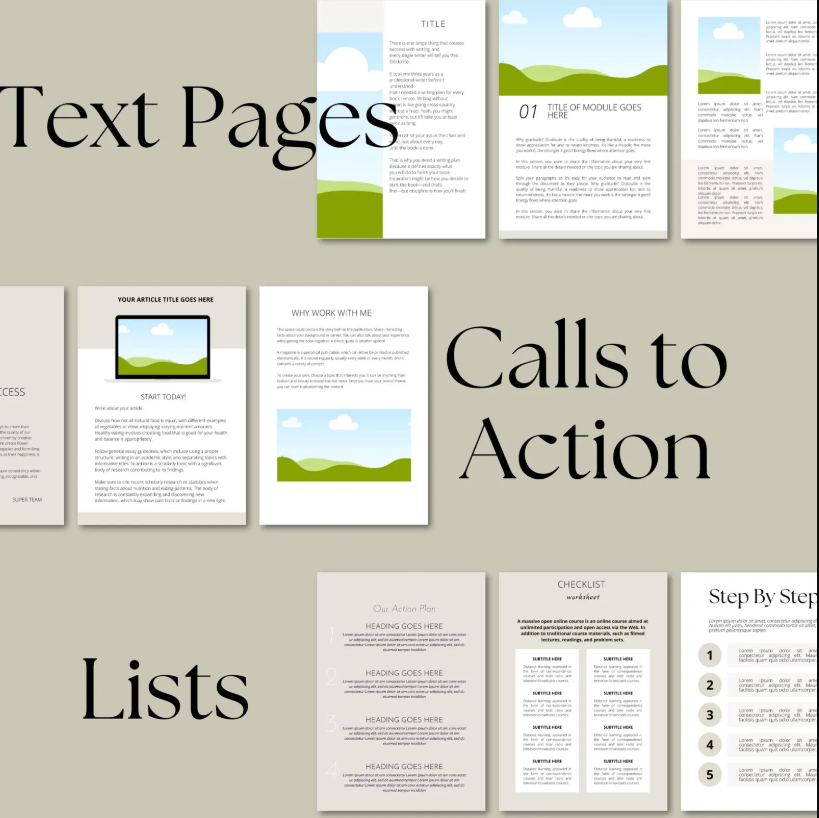
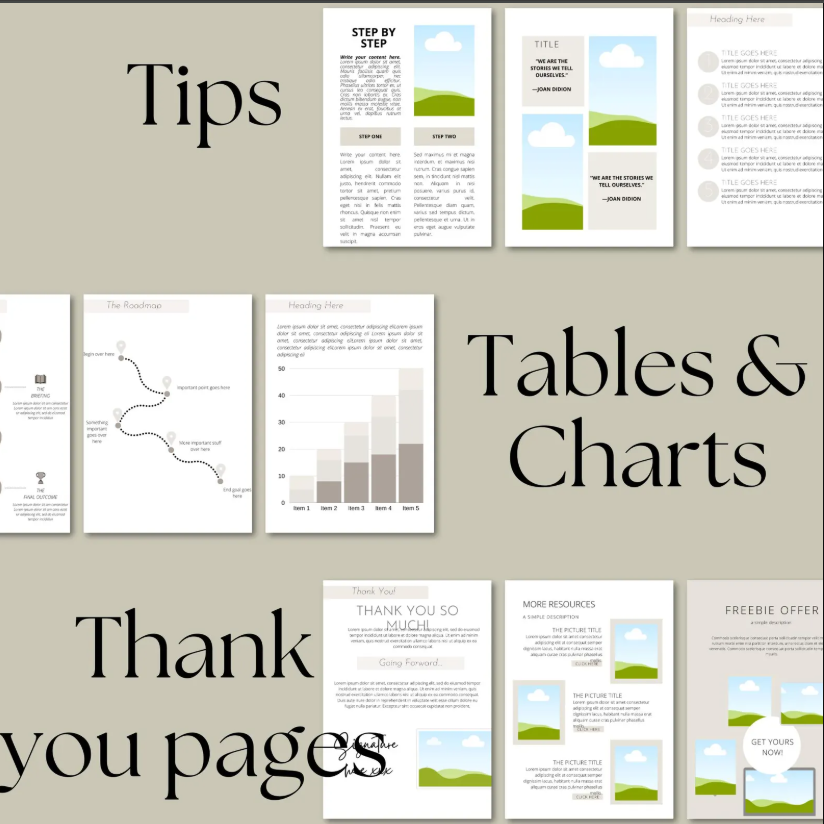
This template includes 250 customizable pages, featuring a wide range of layouts such as cover pages, chapter designs, content sections, and structured workbook pages. Every page can be edited to match your brand, content, and style.
Flexible & Resizable Format
Created in 8.5 × 11 inches, suitable for both digital use and printing. The template can be resized directly in Canva to fit other dimensions, making it adaptable to different project needs.
Beginner-Friendly Editing
No design experience is required. The template is easy to edit in Canva using simple drag-and-drop tools. You can quickly add your own text, images, colors, and branding elements.
Multi-Purpose Use
Ideal for creating:
-
eBooks
-
Course workbooks
-
Lead magnets
-
Coaching resources
-
Guides and educational materials
Whether you are building a course, growing an email list, or sharing structured content, this template supports a wide range of uses.
Clean, Professional Design
Features modern, minimal, and well-organized layouts designed to enhance readability and present your content clearly.
Instant Digital Access
After purchase, you receive a PDF file containing a direct link to access the Canva template, allowing you to start editing immediately.
What’s Included
-
250-page editable Canva eBook template
-
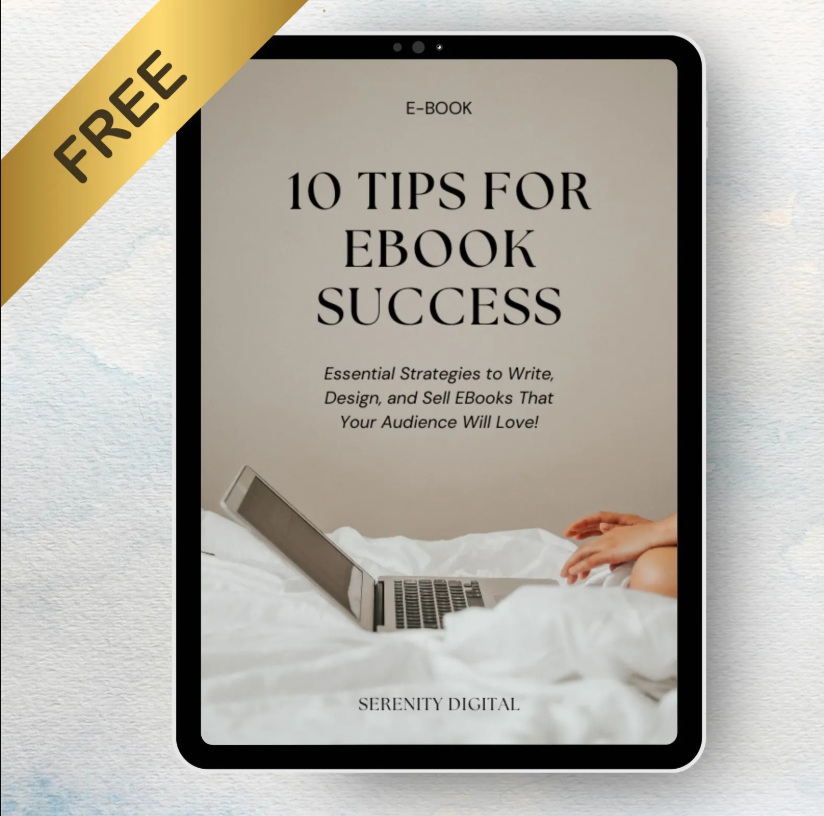
Bonus Canva Crash Course eBook
How It Works
-
Purchase the template
-
Download the provided PDF file
-
Click the link inside the PDF to open the template in Canva
-
Edit and customize directly in Canva with no software installation required
Please Note
-
This is a digital product only. No physical item will be shipped.
-
Canva is an online design platform. A free Canva account can be used to edit the template.
-
Some fonts, images, or elements may require a Canva Pro subscription.

 No products in the cart.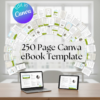
Reviews
There are no reviews yet.